Manage and reuse templates
Keep the Templates library small enough that staff can confidently choose the right starting content.
Find the right template
- Use All, Email, or SMS to filter by channel.
- Search by template name.
- Read the subject, category, active status, and version shown in the row.
- Turn on Show archived when you need to find inactive entries.
Edit
Open the row menu and select Edit. Email reopens the full-page editor; SMS reopens the side sheet.
Before saving, review the name, description, category, active status, content, variables, links, and channel-specific estimate or preview.
Archive
Archive a template that should no longer be offered for new campaign use. The confirmation names the affected template. Select Cancel if the name is not exactly the one you intended.
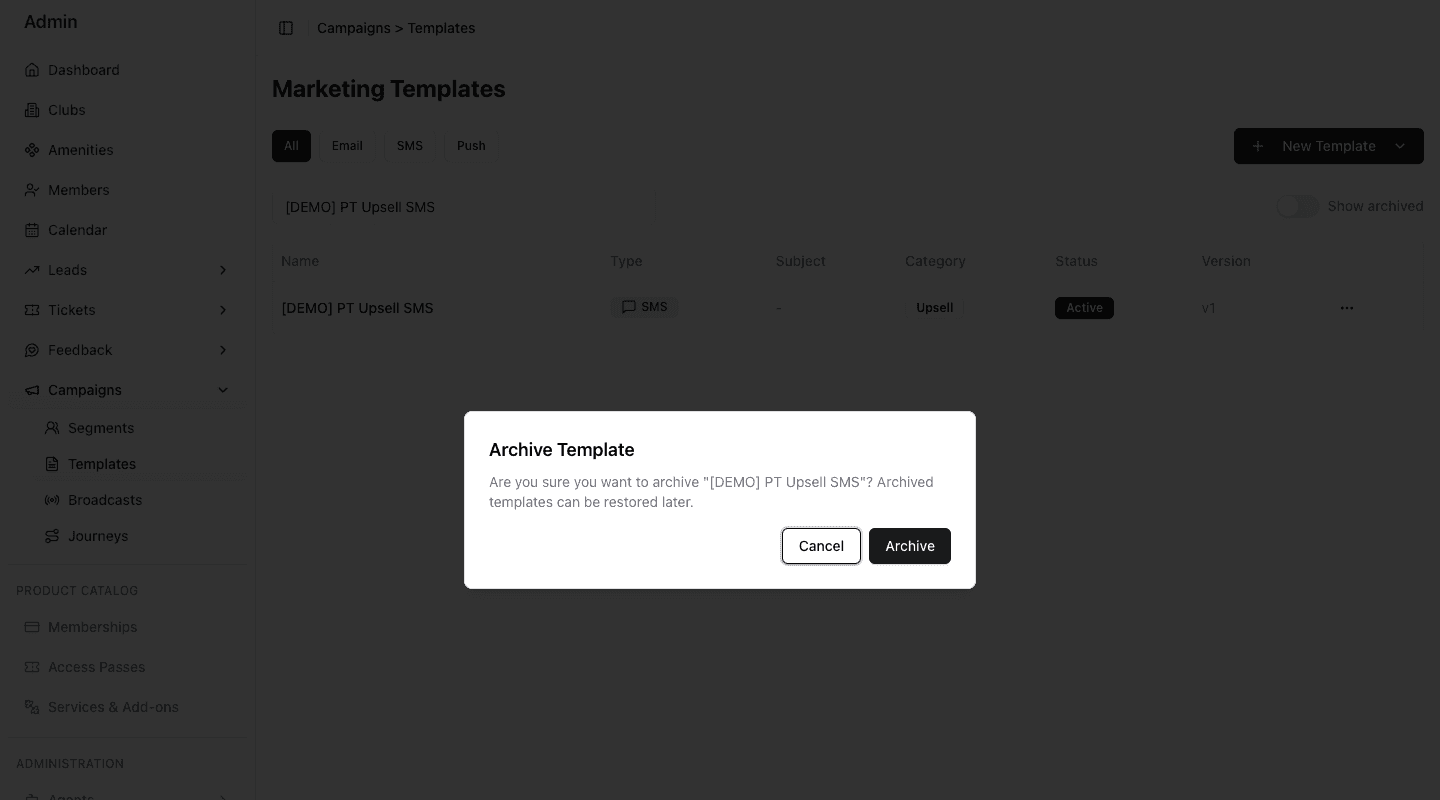
- 1Confirm that this is an archive action.
- 2Read the exact template name before continuing.
- 3Cancel when the selection or timing is wrong.
- 4Archive only when the template should leave active use.
Archived templates are hidden by default. Turn on Show archived to include inactive entries in the table.
Reuse in a Broadcast
Maintain reusable Email and SMS starting content
Select a template and review the copied subject and body
Approve the audience, final content, and timing together
When you choose a template in a Broadcast, FitStack copies its current subject and body into the Broadcast content step. The Broadcast then has its own content to review.
Editing the library template later does not rewrite content already copied into an existing Broadcast draft. Reopen the Broadcast and review its actual subject and body before publishing.
Maintenance routine
- Use consistent names and categories.
- Keep only reviewed templates active.
- Open active templates periodically and check time-sensitive links, dates, prices, addresses, and required compliance content.
- Archive obsolete or superseded entries.
- Use Show archived when investigating older library records.
- Review copied content in every Broadcast, even when the template was used successfully before.